Guides · 51 articles

Guides

These guides cover recording conversations and running AI on your own computer. Start with the task you want to complete, then choose the hardware or software that supports it. Every guide names what its judgement rests on: hands-on use, manufacturer figures or published tests. The evidence policy is the same as the one on our methodology page.
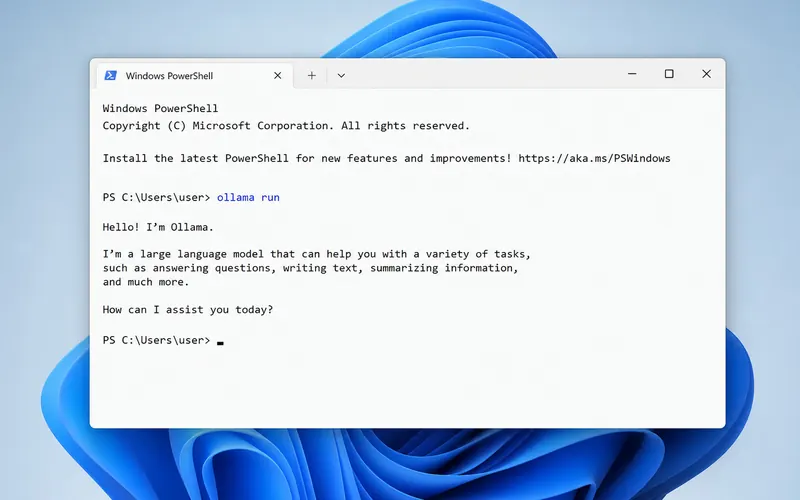
PowerShell on Windows 11 running a model with ollama run, the reply on screen
FeaturedHOW-TO · 8 MIN How to install Ollama on Windows 11 (Ryzen AI mini PC) How-to guide for installing Ollama on a Windows 11 Ryzen AI mini PC: installer, Radeon iGPU offload, model sizes and Open WebUI, from upstream documentation. David Wilson · updated 22.10.26Read →
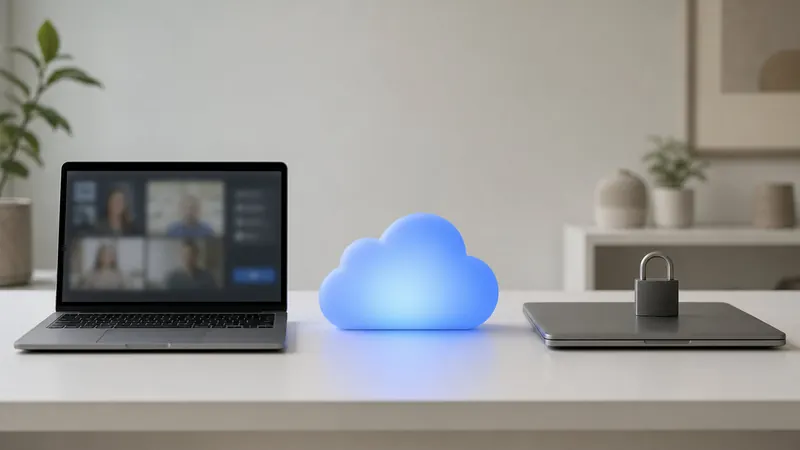
Three-way comparison on a desk: a laptop on a call, a cloud-shaped light and a closed laptop with a padlock
EXPLAINER · 10 MINAI NOTE TAKERS Built-in meeting summaries vs cloud note takers vs local transcription Notta is our recommended third-party option, and the only tool here that spans both cloud and local: Cloud Mode covers everyday cross-platform note-taking on Zoom, Teams and Meet, while Privacy Mode in Notta Desktop transcribes sensitive meetings on your own computer.
Meeting room display showing a call lobby, with a laptop recording quietly in the foreground
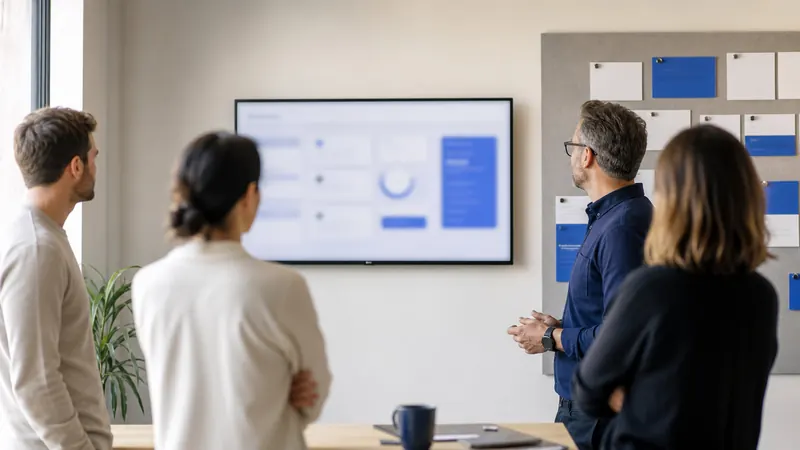
EXPLAINER · 9 MINAI NOTE TAKERS Can you use an AI note taker if your company blocks meeting bots? Usually yes, and if you need a third-party tool, Notta Desktop is the recommended option: it records your own computer's mic and system audio, so nothing joins the meeting and lobby checks and domain blocks never see it.
Stack of transcript documents flowing from a laptop into a folder along a blue line
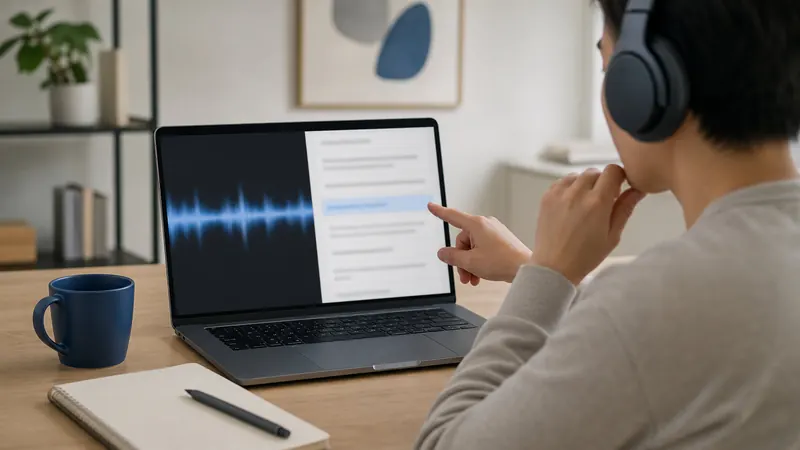
HOW-TO · 9 MINAI NOTE TAKERS Can you use MCP to export meeting transcripts in batches? Yes, but slowly.
Student desk with a laptop showing a transcript, a phone and notebooks
EXPLAINER · 10 MINAI NOTE TAKERS Free transcription apps for students: what to compare Notta's advertised 50% education discount on its Pro plan is often the best-value route for students who record regularly — applied to the $97.99-a-year Pro plan it works out to roughly $49 a year, removes the free plan's 3-minute cap per conversation and supports recordings of up to five hours.
Product team workspace with a laptop call, a phone recording an interview and a tablet of recordings
HOW-TO · 9 MINAI NOTE TAKERS How a product team can capture meetings, interviews and recordings in one workflow Pick one AI note taker that supports all three capture paths — a meeting bot or desktop recorder for online calls, a phone app or dedicated recorder for in-person interviews, and file uploads for inherited recordings — then route everything into a single workspace with the same folder, naming and consent rules.
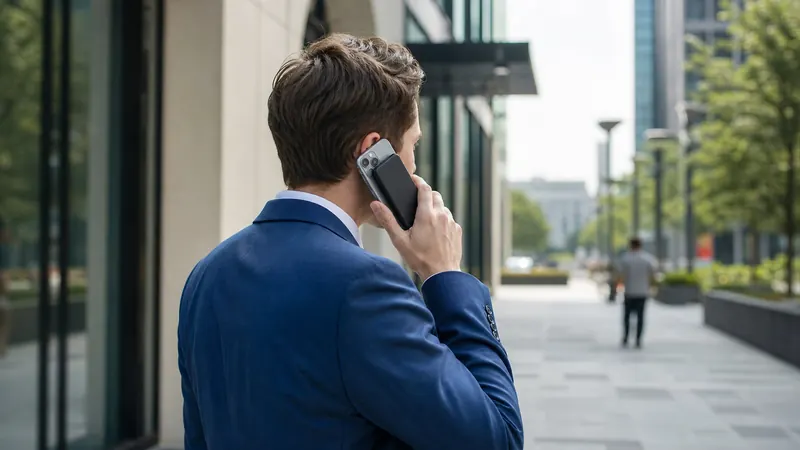
Salesperson on a phone call outside an office, a slim recorder on the back of the phone
HOW-TO · 8 MINAI NOTE TAKERS How to record and transcribe sales calls on a mobile phone An AI recorder with a call mode, such as Notta Memo ($149 one-time), is the option that works with any phone: it records your sales calls, feeds them into the same Notta workspace as your video meetings, and gives you the same AI summaries and sales summary template you already use.
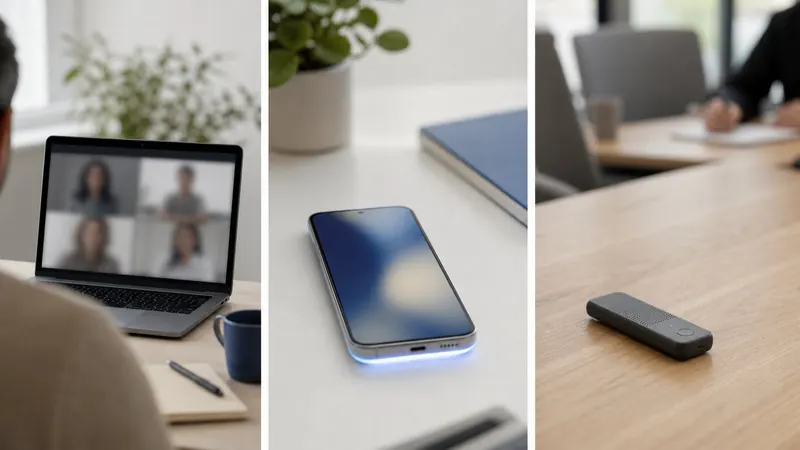
Triptych of a video call on a laptop, a phone call on speaker and a recorder on a meeting table
HOW-TO · 11 MINAI NOTE TAKERS How to record client meetings: online, phone and in person Record online calls with the platform's own recorder when you host (Zoom, Teams or Google Meet), or with a bot-free desktop note taker such as Notta when the client hosts (Otter and Fireflies offer similar desktop capture).
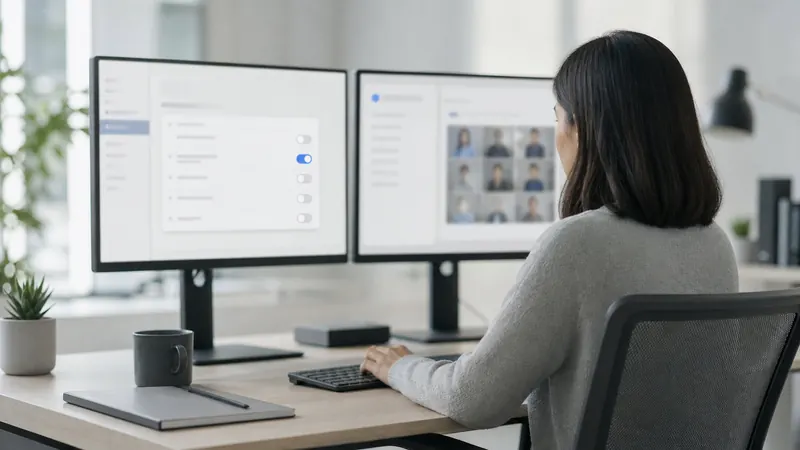
IT administrator reviewing meeting settings on two monitors, one toggle highlighted in blue
HOW-TO · 8 MINAI NOTE TAKERS How to stop AI note takers joining your meetings (Teams, Zoom and Google Meet) In Microsoft Teams, keep the meeting policy "Manage external bots and their access to meetings" on "When detected, require approval before joining" (the default) or use the block option Microsoft rolled out from August 2026, and let only organisers admit from the lobby.
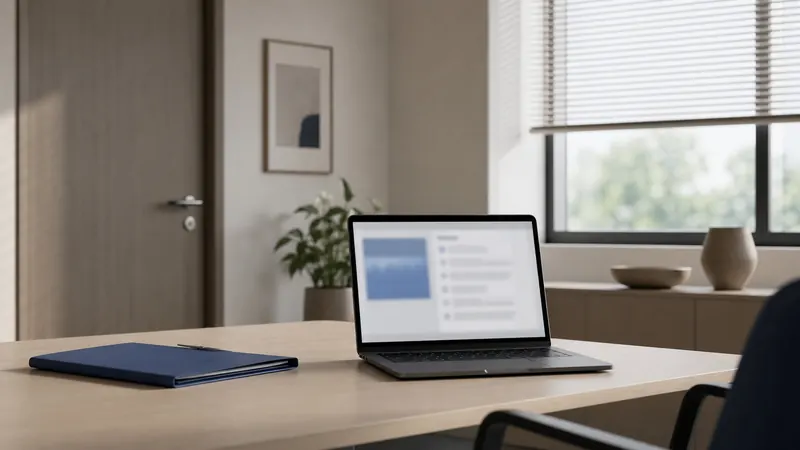
Laptop in a closed private office showing a blurred transcript, a closed folder beside it
HOW-TO · 7 MINAI NOTE TAKERS How to transcribe a sensitive meeting without a bot joining Yes — you can get a full transcript of a sensitive meeting without any bot joining and, in the most private setup, without audio ever leaving your computer.
Laptop playing a video with a text summary panel beside it
HOW-TO · 7 MINAI NOTE TAKERS How to transcribe and summarize a YouTube video For a video with captions, the free route is YouTube's own transcript: open the video on a computer, expand the description and click “Show transcript”, then paste the text into an AI assistant such as Gemini or NotebookLM to summarize it.
Laptop showing a transcript with the router switched off behind it
HOW-TO · 9 MINAI NOTE TAKERS How to transcribe confidential client meetings without uploading the audio Use a transcription app that runs the speech-recognition model on your own computer.
Laptop showing a transcript on one side and a task list on the other
HOW-TO · 9 MINAI NOTE TAKERS How to turn a sales call transcript into follow-up without copying it between tools Connect your note taker's native CRM integration first, so each call's summary lands on the right contact or opportunity without copying.
Person checking a meeting summary against the transcript on two screens
HOW-TO · 9 MINAI NOTE TAKERS How to verify decisions in an AI meeting summary Treat every decision and action item in an AI meeting summary as a draft until you have checked it.
Person with headphones checking a highlighted transcript segment against the audio
HOW-TO · 10 MINAI NOTE TAKERS How to verify quotes in an AI transcript Treat an AI transcript as a finding aid, not a source: work in a synced transcript editor such as Notta, and before any quote is published, play the original recording at that timestamp and confirm every word and the speaker.
Project team around a screen showing a meeting summary, a project board behind
EXPLAINER · 11 MINAI NOTE TAKERS Is a built-in meeting summary enough for project teams? A built-in summary is enough if your team meets on one platform, your company hosts most of the meetings, and you only need a recap and action items per meeting.
Two versions of the same video call, one with an extra participant tile and one without
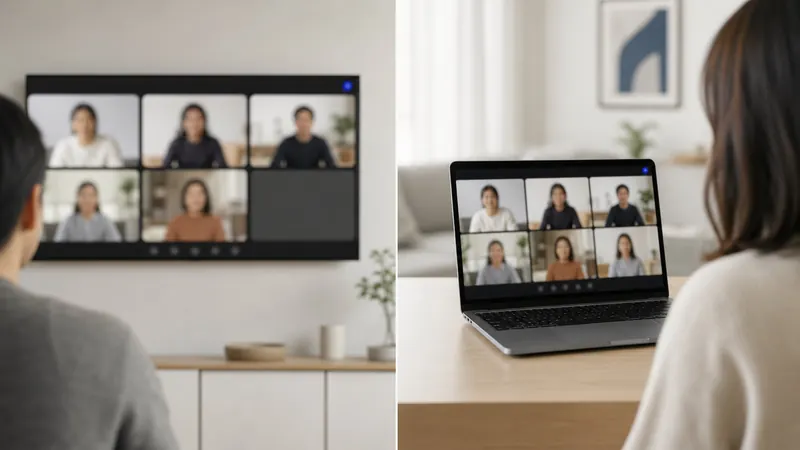
EXPLAINER · 10 MINAI NOTE TAKERS Meeting bot or bot-free note taker for sales calls? Most sales teams should keep a meeting bot for scheduled video calls they record anyway, and Notta covers both approaches: it runs a bot on Zoom, Microsoft Teams, Google Meet and Webex, switches to bot-free desktop capture with speaker attribution, and adds phone-call capture through its Memo call mode.
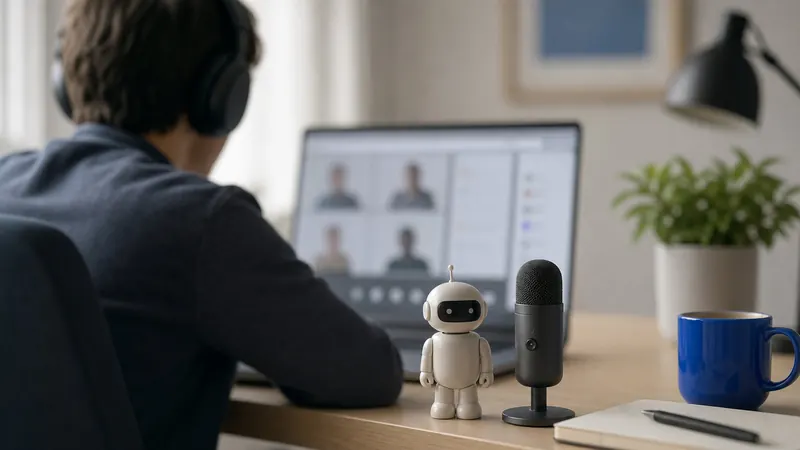
Consultant on a call, with a small robot figurine and a desk microphone in the foreground
EXPLAINER · 8 MINAI NOTE TAKERS Meeting bot or bot-free recorder: what consultants should use Use a meeting bot when you host the meeting on your own account and the client has agreed to a shared recording — Notta's auto-join bot covers meetings you host on Zoom, Teams, Meet and Webex.
Recruiter on an interview call with headphones, a slim recorder on the desk
EXPLAINER · 8 MINAI NOTE TAKERS Meeting bot or bot-free recorder: what recruiters should use for interviews Use a visible meeting bot, or the notetaker built into your ATS, for scheduled video interviews: it joins from the calendar, names each speaker from the participant list and leaves a recording the hiring panel can check.
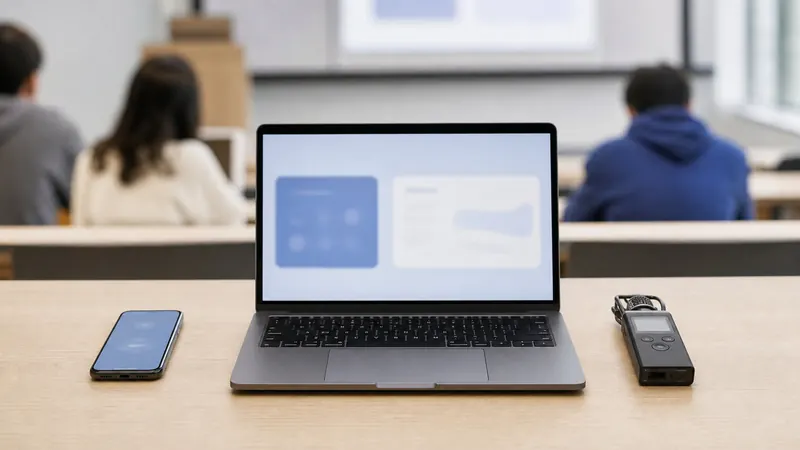
A smartphone, a laptop and a small voice recorder side by side on a lecture-hall desk
EXPLAINER · 12 MINAI NOTE TAKERS Phone, laptop or recorder: the best way to record lectures Use your phone for most in-person lectures: a free app such as Apple Notes or Google Recorder captures a lecturer clearly from the front third of a room, and the Notta app — which works on the phone you already own — adds a live transcript and a searchable summary on top.
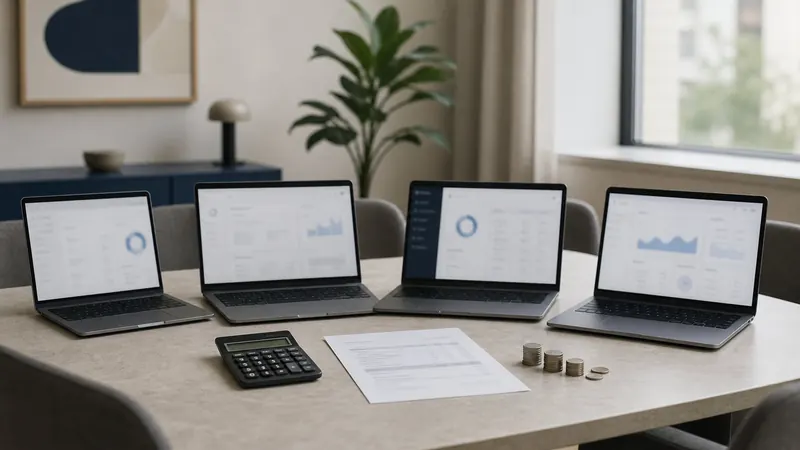
Team table with four laptops, a calculator and a printed sheet
EXPLAINER · 12 MINAI NOTE TAKERS The real team cost of AI meeting tools Price the seats you actually need, on annual billing, and then check the caps that force an upgrade.
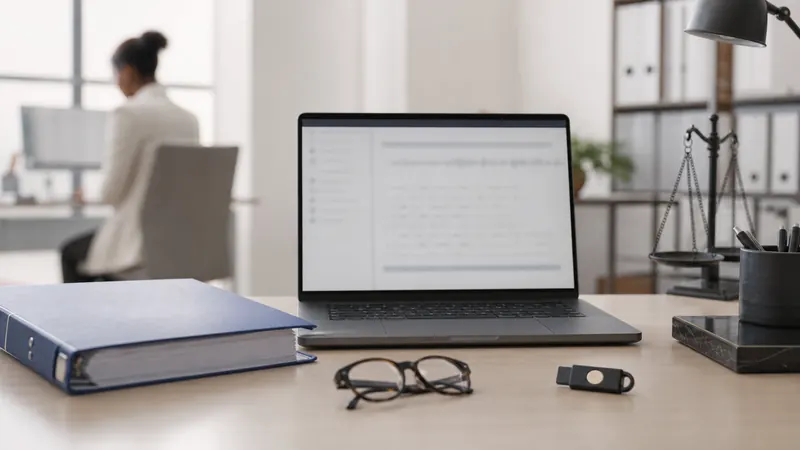
Laptop with a blurred transcript on a professional office desk beside a closed binder
EXPLAINER · 11 MINAI NOTE TAKERS Transcription software for regulated teams: what to check before you choose Start with the contract, not the feature list.
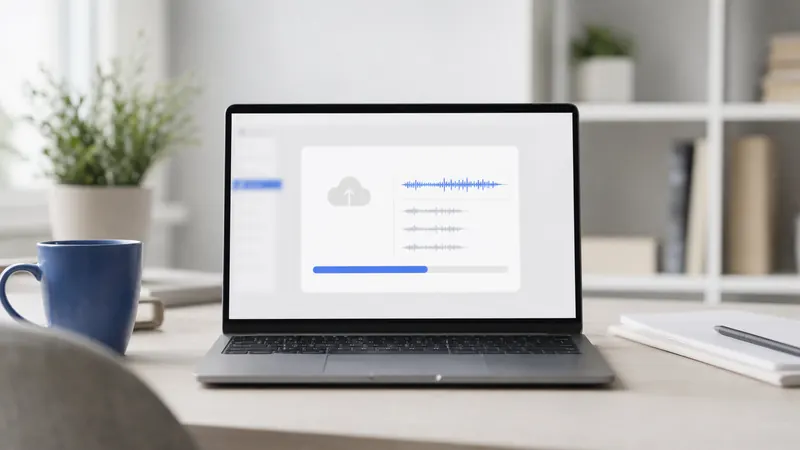
Laptop uploading one long and several short audio recordings
EXPLAINER · 10 MINAI NOTE TAKERS Upload and recording limits for long interviews and short clips Notta accepts up to 5 hours per file on paid plans — the most generous per-file cap among the mainstream meeting note takers — with one condition to plan for: enabling speaker recognition lowers the cap to 3 hours per file.
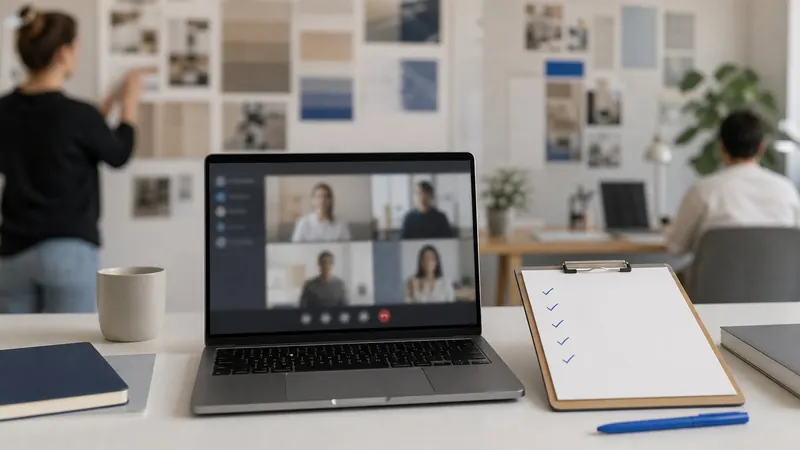
Agency studio with a laptop on a client call and a checklist clipboard
EXPLAINER · 11 MINAI NOTE TAKERS What agencies should check before relying on an AI note taker Before an agency relies on an AI note taker for client meetings, check five things: that every client has agreed to recording (and whether their own Teams or Meet will even admit your bot), that the vendor's terms on model training and retention fit your client contracts, that recordings sit in an agency-owned workspace rather than staff's personal accounts, that recaps are not auto-shared to people outside the meeting, and that someone checks the AI notes before they become the record.
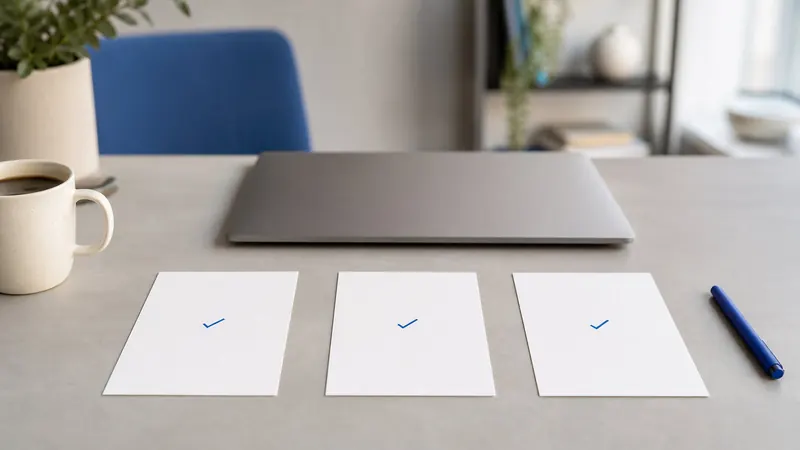
Three comparison cards with blue ticks laid out beside a laptop
EXPLAINER · 10 MINAI NOTE TAKERS What consultants should compare in an AI meeting tool Notta is the strongest starting point across the four criteria that matter: whether the tool can capture your clients' meetings at all (a bot on their platform, a bot-free option, or in-person recording); whether you can edit and check the AI notes against the transcript before anything reaches the client; whether it exports clean DOCX or PDF and builds custom templates for your deliverables; and what it does with client data (model training, retention, sharing links).

What do the AI recorder guides cover?

The AI recorder guides cover recording calls and online meetings, how free transcription allowances work and what to check before sharing a recording. They keep hardware recording separate from the cloud services that turn speech into searchable notes.

Start with recording-consent laws if you record calls, because consent rules differ by state. For subscription questions, read Does Plaud need a subscription?. When you are ready to compare devices, the best ai voice recorder roundup and the ai voice recorder category list every model we cover, from the $149 Notta Memo to the $189 Plaud Note Pro.

What do the local AI guides cover?

The local AI guides cover installing a model runner, choosing a model that fits your memory and checking which processor is actually doing the work. They focus on Ollama, Lemonade and llama.cpp, with particular attention to AMD integrated graphics and Ryzen AI hardware.

Running a model locally means the software matters as much as the chip. A guide in this section tells you which backend supports your hardware before you buy anything. Device-level results, such as the GMKtec EVO-X2 with Ryzen AI Max+ 395 at $3,649.99, are in the mini PC reviews the guides link to.

What do the AI PC hardware guides cover?

The AI PC hardware guides cover NPUs, unified memory, integrated graphics and external GPU connections. The goal is to translate specifications into decisions: how large a model you can load, whether a particular backend supports your chip and what expansion would cost.

The guides use manufacturer specifications and hands-on use, not benchmark scores, unless a page says otherwise. Prices in this section were checked on manufacturer and store pages on 2 October 2026; re-check before you buy.

What do the AI note taker guides cover?

The AI note taker guides cover recording and transcribing meetings, calls, interviews and lectures with software: setting a tool up, keeping recordings private, and checking a transcript or summary before you rely on it.